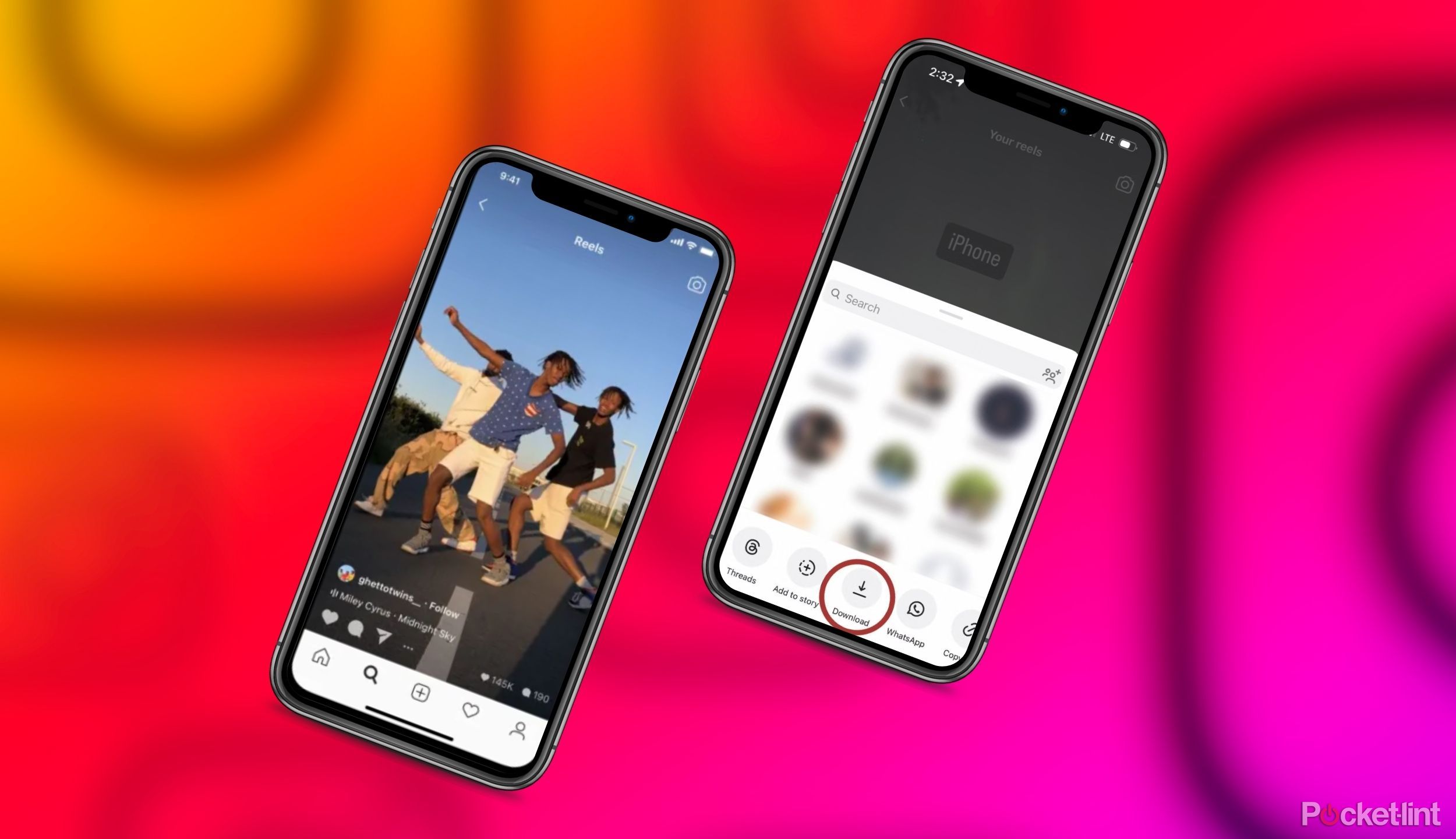
How to Easily Save Instagram Photos: A Complete Guide
If you’ve ever scrolled through your Instagram feed and come across a stunning photo that you wished you could save, you’re not alone. Many Instagram users feel the desire to keep those beautiful moments for later. Fortunately, there are several ways to save instagram photos that cater to different needs and preferences. In this article, we’ll explore both the built-in features of Instagram and various third-party tools to help you preserve your favorite images. From screenshots to dedicated apps, you’ll learn how to keep all that inspiring content easily.
Understanding Instagram’s Policy
Before diving into the methods, it’s essential to consider Instagram’s policy regarding photo saving. As a general rule, the platform is designed for sharing content within its ecosystem. This means that there isn’t a direct download button, and saving images from other users may infringe upon their copyright. However, for personal use, many tools and methods are available that let you save photos ethically and legally.
Method 1: Taking Screenshots
The simplest method to save any Instagram photo is using the screenshot feature available on almost all devices. Here’s how to do it:
- On iPhone: Press the Side Button and Volume Up button simultaneously. The screenshot will be saved to your Photos app.
- On Android: The method may vary by device, but generally, you can press the Power and Volume Down buttons at the same time. The screenshot will be saved in your Gallery.
While this method is quick and accessible, the downside is that the photo may not have the same quality as the original. Moreover, the screenshot will include unwanted interface elements like comments or the profile details, which might not be ideal for all users.
Method 2: Using Instagram’s «Save» Feature
Instagram has a built-in feature that allows you to save posts for later viewing. You can’t download them directly, but you can access them easily. Here’s how:
- Find a photo you like and tap on the three dots in the upper right corner.
- Select «Save Post» from the options provided. This won’t download the image, but it will save it to your «Saved» posts section.
- You can access it later from your profile under the «Saved» section.
While this does not permanently save the image to your device, it does give you easy access to revisit it whenever you want.
Method 3: Using Third-Party Applications
Several third-party applications can help you download Instagram photos directly to your device. These apps usually allow you to download images in their original quality. Here are a few popular choices:
- 1. DownloadGram: This is a straightforward web-based tool that allows you to paste the URL of the Instagram photo and download it instantly.
- 2. FastSave: Available for both Android and iOS, this app lets you save Instagram photos and videos quickly.
- 3. Story Saver: This app is beneficial if you want to save not just photos, but also stories from Instagram.
To use these apps, you usually need to copy the link of the post you want to save and paste it into the app. Keep in mind that while many of these apps are free, some may have premium features.
Method 4: Downloading Photos from a Profile
If you want to save multiple photos from a single profile without downloading one by one, certain web services can help you. Tools like InstaSave or similar websites allow you to download all photos from a particular account. Follow these steps:
- Copy the username of the Instagram account.
- Visit a website that offers downloading Instagram photos (like InstaSave).
- Paste the username and hit «Download.»
Remember that before downloading multiple photos from someone else’s account, you should consider their privacy and preference regarding content sharing.
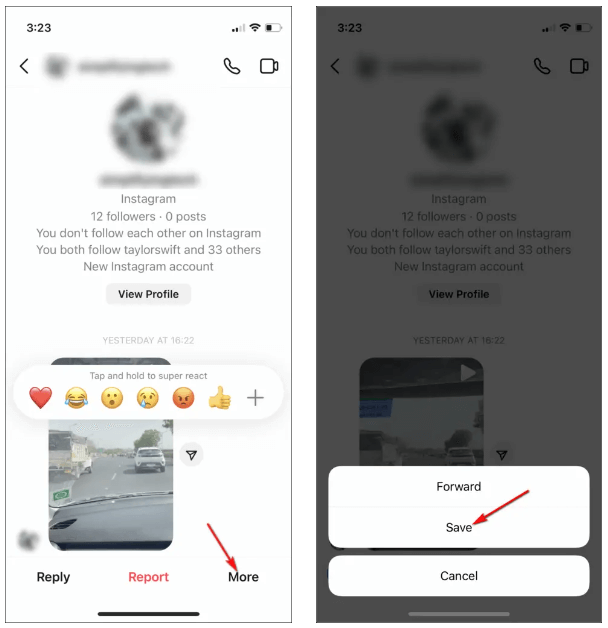
Method 5: Using Browser Extensions
If you frequently use Instagram on a desktop, browser extensions can be beneficial. Extensions like IG Downloader for Chrome allow you to download images directly from your browser without any hassle. Here’s how to utilize these extensions:
- Install the browser extension from the Chrome Web Store.
- Once installed, navigate to an Instagram post.
- Follow the extension’s simple prompts to download the photo directly to your computer.
Browser extensions often provide a seamless experience and can save you time if you’re downloading multiple photos regularly.
Legal and Ethical Considerations
As mentioned earlier, it’s essential to respect copyright laws and the privacy of other users. Always ask for permission if you plan to share or use someone else’s photos elsewhere. If you’re downloading photos for personal use, it’s typically less of an issue, but keeping ethical considerations in mind is crucial.
Conclusion
Saving Instagram photos doesn’t have to be a complicated process. Whether you choose to take a screenshot, use Instagram’s built-in features, or opt for third-party applications, there are many options available. Always prioritize ethical practices and respect others’ content while enjoying the beautiful visuals that Instagram has to offer. Happy saving!